Changing License Type (Demo Network / Perpetual License)
Problem:
During the installation of CADian, the licensing type is defined (network license or perpetual stand-alone license with serial number). When starting the program, either the serial number is requested or the system searches for a network server. This behavior also persists after the free demo version has expired.
How can this be changed afterward?
Solution:
Run the file CADSvp.exe located in the respective CADian 20XX program directory.
The program directory is typically found at:
C:\CADian\CADian [Program Version]\
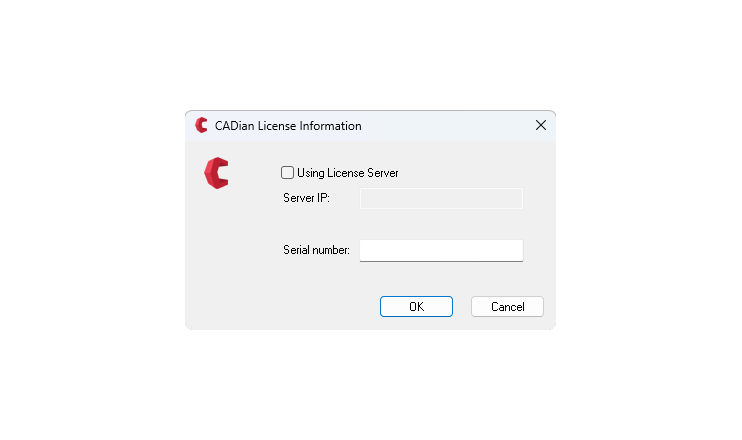
After executing the file, a window will appear where you can switch between network license and serial number.
Perpetual licenses use serial numbers, while network licenses access the license server.
Notes:
- The serial number can be entered including hyphens; the hyphens will be removed automatically.
- The server IP address is not required or is assigned automatically.